Mastering Docker Compose: Simplifying Multi-Container Applications
A beginner-friendly guide to orchestrating services with Docker Compose
Welcome to my corner of the cloud, where ideas scale faster than servers and downtime is not an option! Here, I write about everything from spinning up VPCs to tearing down myths about the cloud. Whether you’re an engineer, a curious learner, or someone who just likes seeing words like 'serverless' and 'auto-scaling,' you’re in the right place. Consider this blog your high-availability zone for tips, tutorials, and tech thoughts—delivered with 99.99% uptime .
When building modern applications, we often rely on multiple services working together—like a web server, database, cache, or message queue. Running and managing all these containers individually with Docker commands can quickly become overwhelming. This is where Docker Compose comes in.
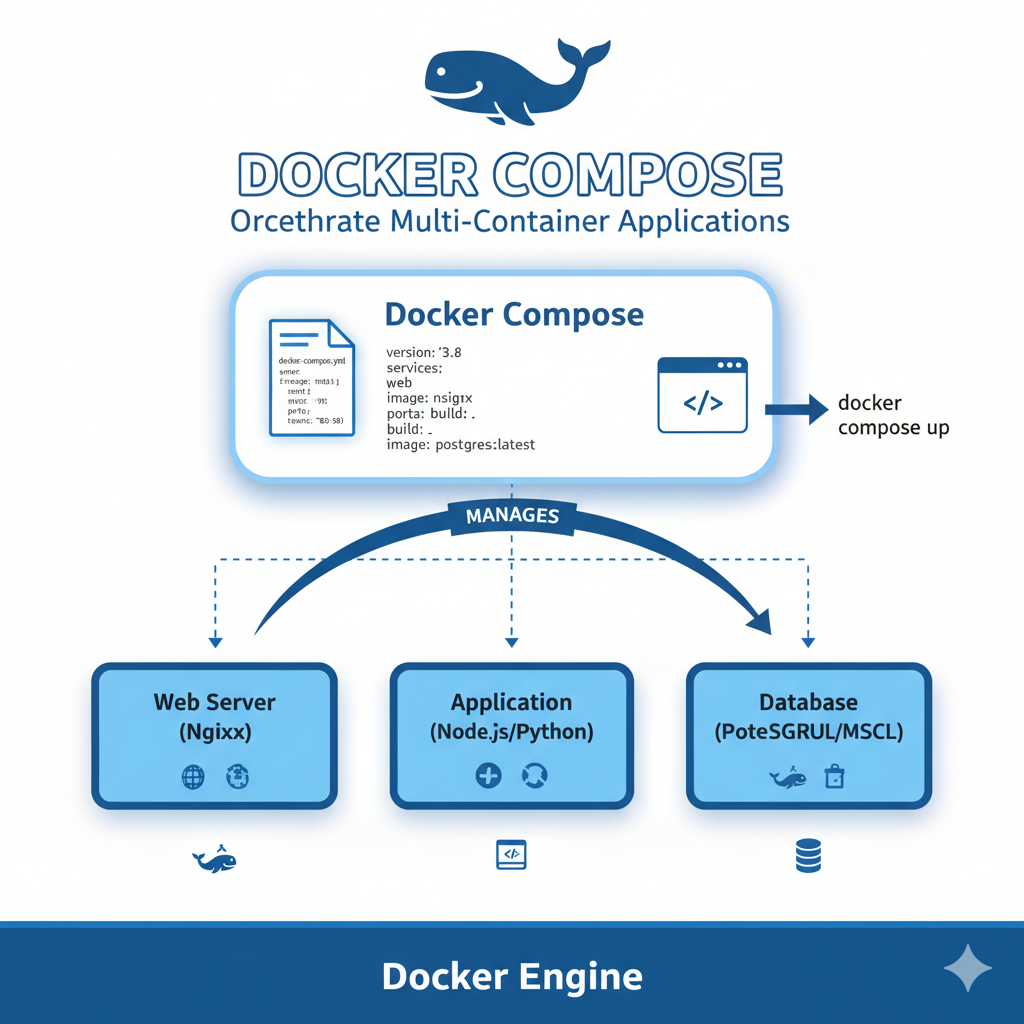
Docker Compose allows developers to define, configure, and manage multi-container applications in a simple YAML file. With just a single command, you can bring up your entire stack.
🔹 What is Docker Compose?
Docker Compose is a tool that helps you:
Define services, networks, and volumes in a single
docker-compose.ymlfile.Run multiple containers with one command (
docker-compose up).Simplify environment configuration and version control for your team.
It’s especially useful in development and testing environments, where managing dependencies and services needs to be quick and repeatable.
🛠 Setting Up Docker Compose
Install Docker & Docker Compose
Docker Desktop comes with Compose pre-installed.
On Linux, you may need to install it separately.
Create a
docker-compose.ymlFile
Example:version: "3.9" services: web: image: nginx:latest ports: - "8080:80" db: image: postgres:13 environment: POSTGRES_USER: user POSTGRES_PASSWORD: password POSTGRES_DB: mydbwebservice runs Nginx on port 8080.dbservice runs PostgreSQL with custom credentials.
Run the Application
docker-compose up -dYour web and database containers will start together in the background.
🌍 Why Use Docker Compose?
Easy Orchestration: Manage multiple services in a single command.
Environment Consistency: Same setup across development, staging, and production.
Scalability: Scale individual services (
docker-compose up --scale web=3).Isolation: Each stack runs in its own network.
✅ Best Practices for Docker Compose
Use .env files to keep secrets and credentials out of version control.
Organise services into networks for better communication and isolation.
Use volumes to persist important data like databases.
Keep images lightweight by using smaller base images (e.g.,
alpine).
🏁 Conclusion
Docker Compose simplifies running multi-container applications, making it a must-have tool for developers working on microservices or full-stack apps. With just a YAML file and a single command, you can spin up your entire environment.
If you’re already comfortable with Docker, learning Docker Compose will level up your development workflow and save you countless hours of manual setup.


